The Best Ozempic App in 2026: A GLP-1 Tracker for Meals, Side Effects, and Weight Loss
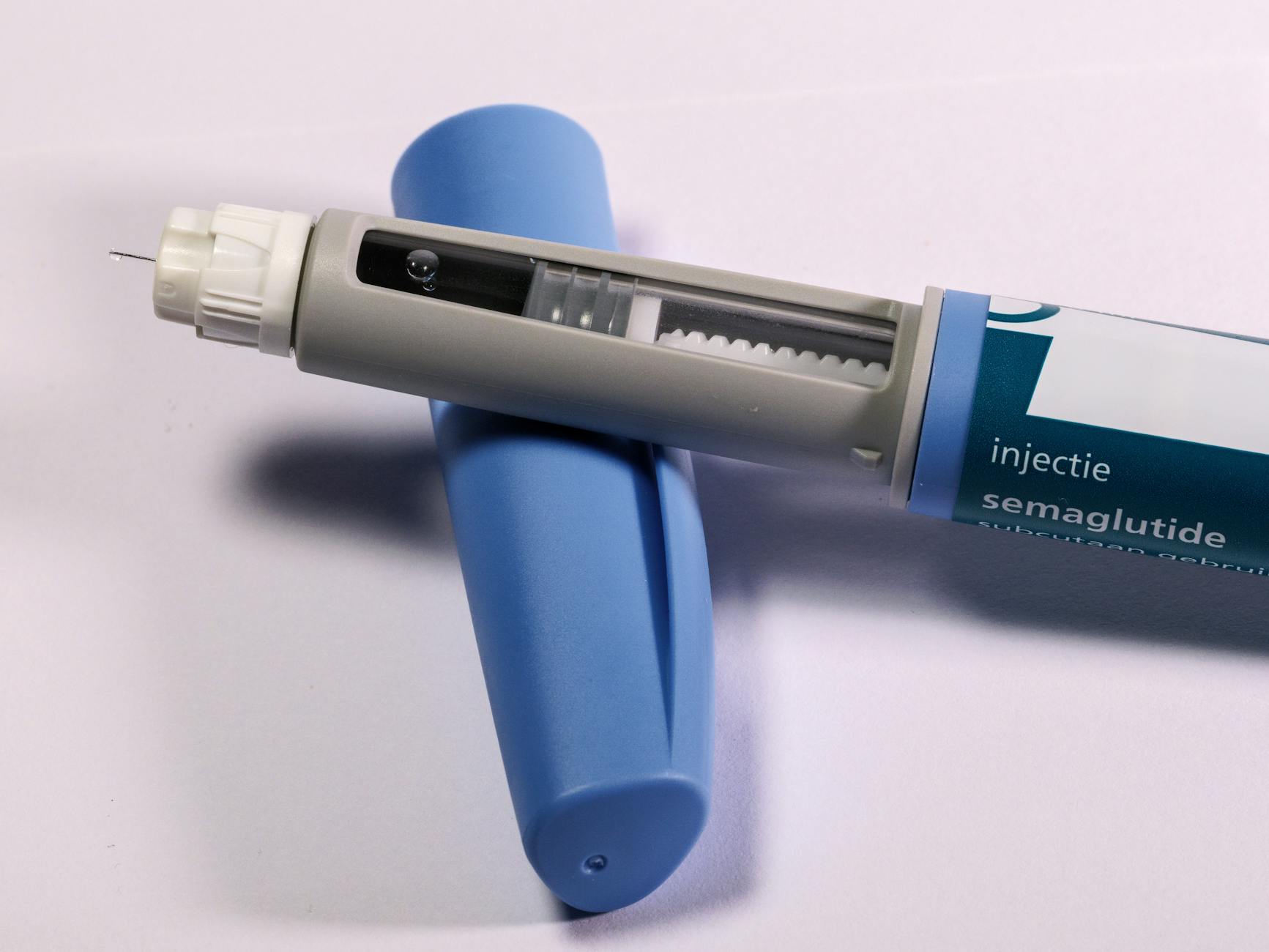
If you're on Ozempic, Wegovy, or Mounjaro, you already know: generic nutrition apps don't work for you. MyFitnessPal doesn't understand that you physically can't eat 2,000 calories. Noom keeps nagging you to eat more. And no one is tracking whether that nausea on Day 3 of your dose increase is normal or a reason to call your doctor.
You need an Ozempic tracker, not a calorie counter. And in 2026, the bar is higher than it was two years ago — the tools have finally caught up to what GLP-1 users actually need.
Is There an Official Ozempic App?
Short answer: not for tracking. Novo Nordisk, the company behind Ozempic, offers patient support tools — savings cards, dosing information, injection guides — but no official Ozempic app that tracks your meals, protein, side effects, or weight. That's why most people searching for an "Ozempic app" end up pairing their prescription with a dedicated GLP-1 tracker app.
There is no official Ozempic app for meal and side-effect tracking. What you want is a GLP-1 tracker app: one that logs tiny meals, puts protein first, and tracks side effects next to your dose — on iPhone or Android.
The checklist below is what separates a real Ozempic tracker app from a generic calorie counter.
What an Ozempic Tracker Should Actually Do
Before you download anything, here's the real checklist. Most apps fail at least three of these.
1. Log Tiny Meals Without Making You Feel Crazy
On GLP-1s, a "meal" might be half a chicken breast and three bites of rice. Then nothing for five hours. Most tracking apps punish you for under-eating with red numbers and warnings. A real Ozempic tracker understands the new normal and gives you credit for hitting your protein target, not just your calorie quota.
2. Track Protein First, Calories Second
The single most important number for anyone on a GLP-1 is daily protein. Muscle loss is the biggest risk during rapid weight loss — roughly 25-40% of weight lost on these drugs can come from lean mass if you're not careful. Your tracker needs to make protein the hero metric. If it buries protein under calories, carbs, and fat, it's the wrong tool.
3. Monitor Side Effects Next to Meals
Nausea, constipation, heartburn, fatigue, injection-site reactions — these matter. A good Ozempic tracker lets you log how you felt two hours after eating and surfaces patterns. Did Thursday's greasy takeout trigger 8 hours of nausea? You want to see that pattern before you make the same mistake next week.
4. Handle Dose Changes
GLP-1 therapy is a titration schedule. You start at 0.25mg and step up every four weeks. Your appetite, side effects, and tolerance change at every step. A tracker that doesn't let you log your current dose and see how you're feeling at each level is flying blind.
5. Sync Weight and Body Composition
The scale isn't enough. If you're losing 2 pounds a week but 1.5 of those are muscle, you're headed for trouble. The app should pull in your weight, body fat percentage, and ideally lean mass from Apple Health, Google Health Connect, or a smart scale — and flag you if the ratio looks wrong.
The single biggest mistake GLP-1 users make is treating their tracker like a calorie counter. Your body has a new problem: how do I get enough protein and nutrients in tiny meals? Your tracker needs to solve that problem.
Why Most Nutrition Apps Fail on Ozempic
Here's the hard truth about the apps people default to:
- MyFitnessPal was built for calorie counting in the 2010s. It has no GLP-1 mode, no side-effect logging, and its coaching tone (eat more, eat less) doesn't match how GLP-1 therapy works.
- Lose It! has better macro tracking but still assumes you can and will eat 3 full meals a day. It's not built for a world where you're physically satisfied after 400 calories.
- Noom is a cognitive-behavioral weight loss program. It's designed to retrain your eating psychology, which is the opposite of what a GLP-1 does — the drug handles the willpower piece, you just need data.
- Generic fitness apps (MapMyFitness, Fitbit's nutrition tools) don't even attempt to be nutrition trackers. They're step counters with a meal log bolted on.
What HealthyOne Does Differently for GLP-1 Users
We built HealthyOne as a "get back on track" system, and GLP-1 users were one of the first groups we designed for. Here's what that looks like in practice.
AI Meal Logging That Takes 10 Seconds
On GLP-1s, motivation for data entry is low. You're already tired from the medication, and logging three bites of rice and half a chicken feels absurd. HealthyOne lets you just snap a photo or say "small portion of grilled chicken and a few bites of rice." The AI handles the rest — 50+ nutrients calculated automatically, no database search, no portion guessing.
Protein-First Dashboard
Protein is the top number on your daily screen. Calories are available but secondary. The app uses your weight and dose to suggest a target (typically 0.7-1.0g per pound of lean mass) and celebrates when you hit it, even if your total calorie count is low.
GLP-1 Side Effect Tracking
One tap after each meal logs how you feel. Over time, you see patterns: "High-fat meals correlate with 6+ hours of nausea on dose increase weeks." That's actionable data you can bring to your prescriber.
Heart Health and Micronutrient Gaps
Rapid weight loss on GLP-1s can expose nutrient deficiencies — low magnesium, low B12, iron drops. HealthyOne tracks 50+ micronutrients and flags gaps before they become problems.
Squad Accountability, Not Shame
GLP-1 weight loss can feel isolating. Friends don't always understand why you're not at brunch. HealthyOne's squad feature lets you connect with other GLP-1 users — private, supportive, no calorie-shaming culture.
One GLP-1 Tracker App for Ozempic, Wegovy, Mounjaro, and Zepbound
Everything above applies equally to Wegovy (same active ingredient as Ozempic, higher weight-loss dose) and Mounjaro / Zepbound (tirzepatide, which hits both GLP-1 and GIP receptors). The side effect profile is slightly different — Mounjaro users often report less nausea but more fatigue — but the tracking needs are identical. The best GLP-1 tracker app handles all four medications instead of locking you into one.
HealthyOne doesn't care which drug you're on. Just log your dose, log your meals, and the app adjusts targets accordingly. If you're on tirzepatide specifically, we've also broken down the best Zepbound tracker app and the best Mounjaro tracker app in dedicated guides.
The Bottom Line
If you're on a GLP-1 medication and you're using MyFitnessPal or Lose It!, you're using the wrong tool for the job. These apps were built for a different problem — eating less — and you already have a drug that handles that. What you need now is protein, nutrients, side effect awareness, and weight loss that preserves muscle. That's a different app.
Track what matters. Skip the calorie-counting theater. Your body is doing something new, and your tracker should keep up.
Considering a GLP-1? Talk to a licensed clinician online.
ShedRx pairs you with a licensed clinician for semaglutide or tirzepatide weight-loss treatment, plus health coaching and supplements — all shipped to your door. Available in all 50 states.
Start your ShedRx visit →Want to compare options? See bmiMD personalized GLP-1 telehealth →
This section contains affiliate links. HealthyOne may earn a commission if you sign up through them, at no extra cost to you. HealthyOne is not a medical provider; these are independent telehealth companies. Always consult a licensed clinician.
The GLP-1 tracker that actually understands Ozempic
Protein-first dashboard. Side effect logging. 10-second meal logging via photo, voice, or barcode. 7-day free trial, then $7.99/month.
Try HealthyOne FreeFrequently Asked Questions
What is the best app to track Ozempic?
The best Ozempic tracker is one built for GLP-1 use, not calorie counting. It should log tiny meals without penalizing you, put protein first, track side effects next to meals, handle dose titration, and sync weight and body composition. HealthyOne was designed for GLP-1 users with a protein-first dashboard, 10-second AI meal logging, and side-effect tracking.
Can you track Ozempic side effects in an app?
Yes. A good Ozempic tracker lets you log nausea, constipation, heartburn, fatigue, and injection-site reactions next to each meal, then surfaces patterns over time so you can see which foods or dose-increase weeks trigger symptoms. HealthyOne logs how you feel with one tap after each meal.
Is MyFitnessPal good for Ozempic?
Not really. MyFitnessPal was built for calorie counting and has no GLP-1 mode, no side-effect logging, and coaching that assumes you should eat more or less. On a GLP-1 the drug already handles appetite, so you need protein, nutrient, and side-effect tracking instead — which generic calorie counters do not prioritize.
How much protein should I eat on Ozempic or Wegovy?
Protein is the most important number on a GLP-1 because muscle loss is the biggest risk during rapid weight loss. Many clinicians suggest roughly 0.7 to 1.0 grams of protein per pound of lean body mass. A good tracker makes protein the hero metric and credits you for hitting it even when total calories are low. For a deeper walkthrough, see our guide on the best Wegovy tracker app. Always confirm targets with your clinician.
Is there an official Ozempic app?
Not for tracking. Novo Nordisk, Ozempic's manufacturer, offers patient support tools like savings cards, dosing information, and injection guides — but there is no official Ozempic app that tracks meals, protein, side effects, or weight. Most people pair their prescription with a third-party GLP-1 tracker app like HealthyOne for day-to-day tracking.
Is there a free Ozempic tracker app?
Yes. HealthyOne is free to download on both iPhone and Android and includes a 7-day free trial of HealthyOne Plus. You can log meals by photo, voice, text, or barcode and track GLP-1 side effects alongside each meal.
What is the best GLP-1 tracker app in 2026?
The best GLP-1 tracker app works the same whether you're on Ozempic, Wegovy, Mounjaro, or Zepbound: tiny-meal logging without penalties, protein-first targets, side-effect tracking, and dose titration support. HealthyOne covers all four medications in one app — set your medication and dose and the targets adjust.